The Parent's Guide to DNS-Level Protection
Protect your kids online without installing apps on every device. DNS filtering works invisibly across your entire network.
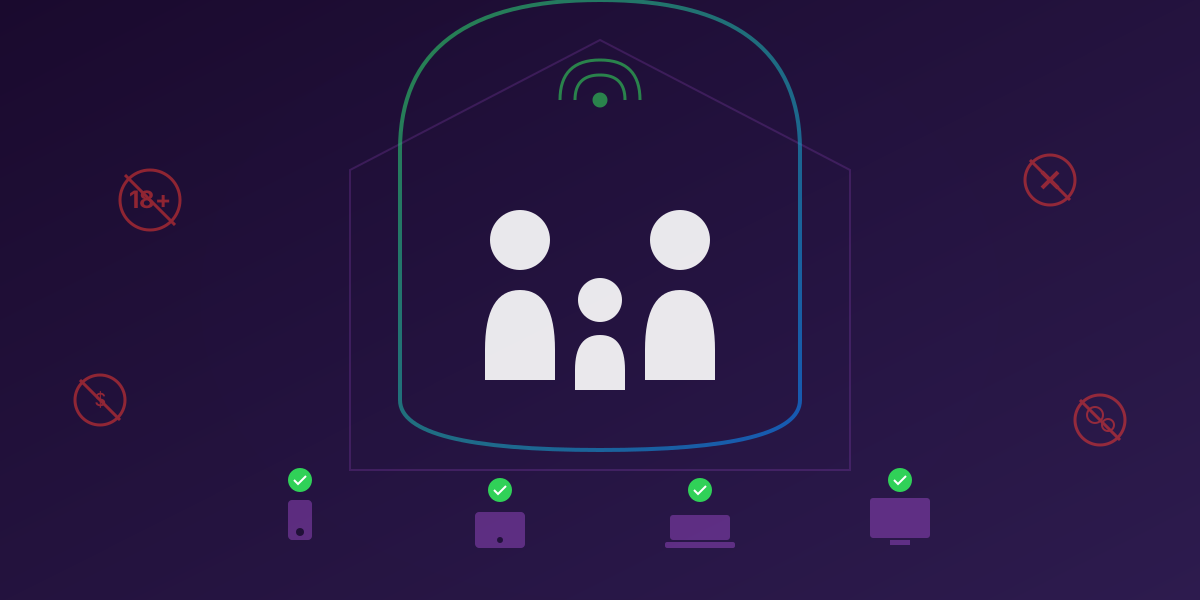
Your kids have more internet-connected devices than ever before - smartphones, tablets, laptops, gaming consoles, smart TVs. Trying to install parental control apps on each one is exhausting. And those apps often don't work on gaming consoles or smart TVs anyway. There's a better way.
The Problem with Traditional Parental Controls
Most parental control solutions require you to:
- Install separate apps on every device
- Create accounts with your personal information
- Pay separate subscriptions for each device
- Hope your kids don't find ways to uninstall the software
- Accept that smart TVs and gaming consoles are unprotected
These approaches also often slow down devices, drain battery life, and can be circumvented by tech-savvy kids. Plus, they create a false sense of security - you think you're protected, but major blind spots remain.
Why DNS Filtering is Different
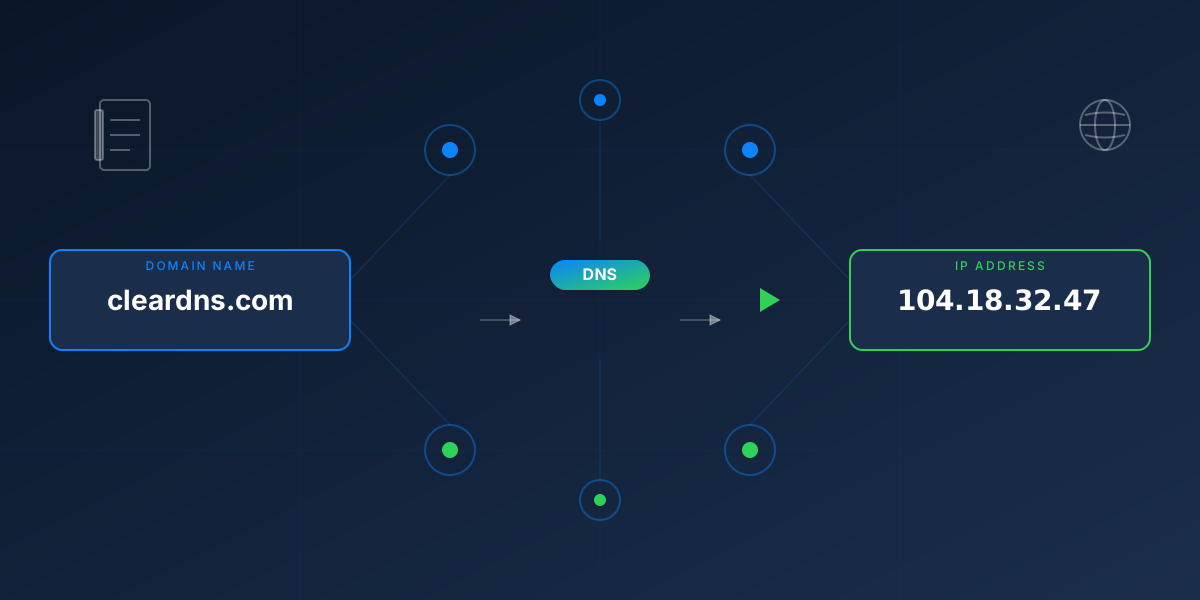
DNS filtering works at the network level, not the device level. When any device on your network tries to visit a website, it first asks a DNS server for the site's address. By using a filtering DNS server like ClearDNS, inappropriate content never even loads.
This means:
- Every device is protected - phones, tablets, laptops, gaming consoles, smart TVs, IoT devices
- Nothing to install - set it up once on your router or individual devices
- Can't be easily bypassed - kids can't just uninstall an app
- Works in apps too - not just browsers
- No battery drain - DNS queries use negligible resources
"The best parental controls are the ones your kids don't even know exist. They just can't access inappropriate content, period."
What ClearDNS Can Block
ClearDNS offers 13 content categories you can enable or disable based on your family's needs:
Block pornographic and explicit material across millions of domains
Block online casinos, sports betting, and gambling sites
Limit access to social media during homework time or family time
Block online gaming platforms and game-related sites
Block dating apps and matchmaking services
Control access to streaming services during specific times
You can also enable malware and phishing protection to keep your family safe from online threats.
SafeSearch Enforcement
Kids are curious - they search for things. ClearDNS can enforce SafeSearch across major search engines, ensuring that even if your child searches for something inappropriate, the results are filtered:
- Google SafeSearch: Automatically enabled and can't be turned off
- YouTube Restricted Mode: Hides potentially mature content
- Bing SafeSearch: Filters explicit images and videos
- DuckDuckGo SafeSearch: Even privacy-focused searches are filtered
Different Rules for Different Family Members
A 7-year-old needs different protection than a 15-year-old. With ClearDNS, you can create different configurations:
- Strict: Maximum protection for young children - blocks adult content, social media, gaming, and enforces SafeSearch
- Moderate: For pre-teens - blocks adult content and gambling, but allows supervised social media
- Light: For teens - focuses on malware and phishing protection with adult content blocking
- Custom: Mix and match categories based on your family's values
Pro Tip: Device-Level Configuration
Configure ClearDNS directly on your child's device (rather than just the router) to maintain protection even when they're on other WiFi networks or using mobile data.
What About Privacy?
Here's where ClearDNS is different from other parental control solutions: we don't require an account. We don't collect your children's browsing history. We don't build profiles of your family.
Other parental control apps often:
- Track every website your child visits
- Store this data on their servers
- Build profiles that could be breached or sold
- Require your email, address, and payment information
ClearDNS provides protection without surveillance. We block inappropriate content, but we don't record what your kids are doing. Their privacy matters too.
Common Questions from Parents
What if my child needs to access a blocked site for school?
You can add specific domains to your allow list. If a school project requires access to social media for research, you can temporarily allow that specific site.
Can my tech-savvy teen bypass DNS filtering?
It's harder than uninstalling an app, but not impossible. Advanced users could potentially use a VPN or change DNS settings. However, you can configure your router to force all traffic through ClearDNS, making bypassing more difficult. Having an open conversation about internet safety is always recommended alongside technical controls.
Does this slow down the internet?
No - ClearDNS actually often makes browsing faster. We operate on Cloudflare's global network with data centers near you. Plus, blocking ads and trackers means less data to download on every page.
What about mobile data when kids are away from home?
Configure ClearDNS directly on your child's phone using a DNS profile. This maintains protection regardless of what network they're on.
Getting Started
Protecting your family with ClearDNS is simple:
- Visit my.cleardns.io
- Enable the categories you want to block (Adult, Social Media, etc.)
- Configure your router or individual devices using our setup guides
- Share the configuration with other family devices via QR code
No account needed. No personal information required. Just simple, effective protection for your entire family.
The internet doesn't have to be a scary place for families. With the right tools, your kids can explore, learn, and have fun online - safely.
Ready to Protect Your Family?
ClearDNS blocks inappropriate content across all your devices. No account required.
Start Protecting Your Family