DNS Explained: The Internet's Phonebook Made Simple
Every time you visit a website, DNS works behind the scenes. Understanding it is the first step to a faster, safer internet.
You type "google.com" into your browser and a webpage appears. Simple, right? But behind that simple action is a complex system that most people never think about - DNS, the Domain Name System.
What is DNS?
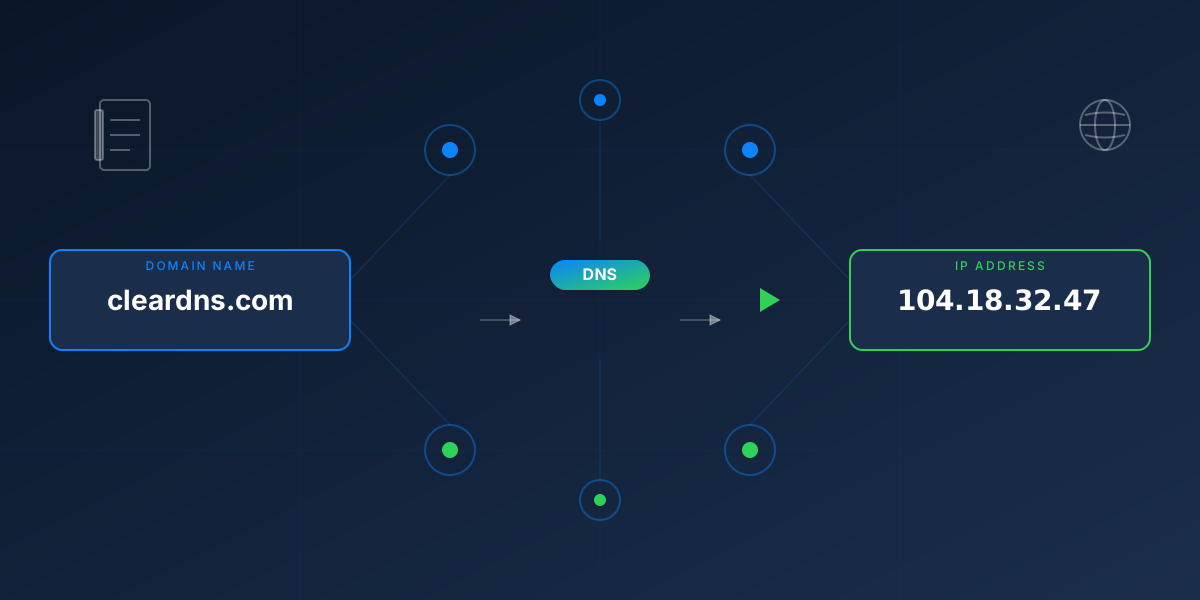
DNS stands for Domain Name System, and it's often called "the phonebook of the internet." Just like you might look up a friend's phone number in a phonebook, DNS looks up the numerical address (IP address) of websites based on their names.
Computers communicate using IP addresses - numbers like 142.250.185.78. But humans aren't great at remembering long strings of numbers. We prefer names like "google.com" or "cleardns.io". DNS bridges this gap.
How DNS Works
When you type a website address into your browser, here's what happens:
Your computer sends a query to a DNS resolver (usually provided by your ISP or a service like ClearDNS) asking: "What's the IP address for google.com?"
If the resolver has recently looked up this domain, it already knows the answer and responds immediately. This is why websites load faster on repeat visits.
The resolver queries a hierarchy of DNS servers - starting with root servers, then top-level domain servers (.com), and finally the domain's own nameservers.
The resolver returns the IP address to your device, which can now connect directly to the website's server.
This entire process typically happens in milliseconds - so fast you never notice it.
Why DNS Matters for Speed
Every webpage you load might require dozens of DNS lookups - one for the main site, others for images hosted elsewhere, scripts, fonts, analytics services, and more. Slow DNS can make everything feel sluggish.
ClearDNS operates on Cloudflare's global network with 330+ data centers worldwide. This means your DNS queries are answered from a server near you, typically in under 20 milliseconds. That's faster than you can blink.
"The fastest request is the one you don't have to make. Good DNS caching means fewer lookups and faster browsing."
Why DNS Matters for Privacy
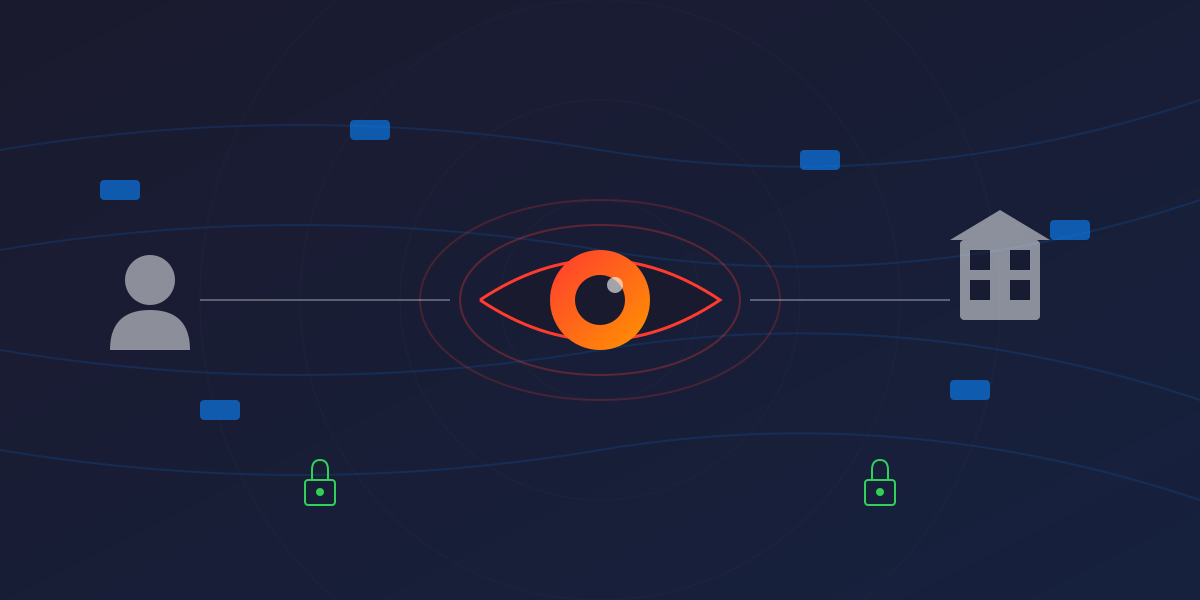
Here's where things get important: traditional DNS queries are sent in plain text. Anyone who can see your network traffic - your ISP, a hacker on public WiFi, or a corporate IT department - can see exactly which websites you're visiting.
Modern DNS services like ClearDNS use encryption (DNS over HTTPS) to hide your queries. Instead of broadcasting your browsing habits to anyone listening, your DNS requests are encrypted from your device all the way to our servers.
Why DNS Matters for Security
DNS can be both a vulnerability and a protection layer:
The Vulnerability
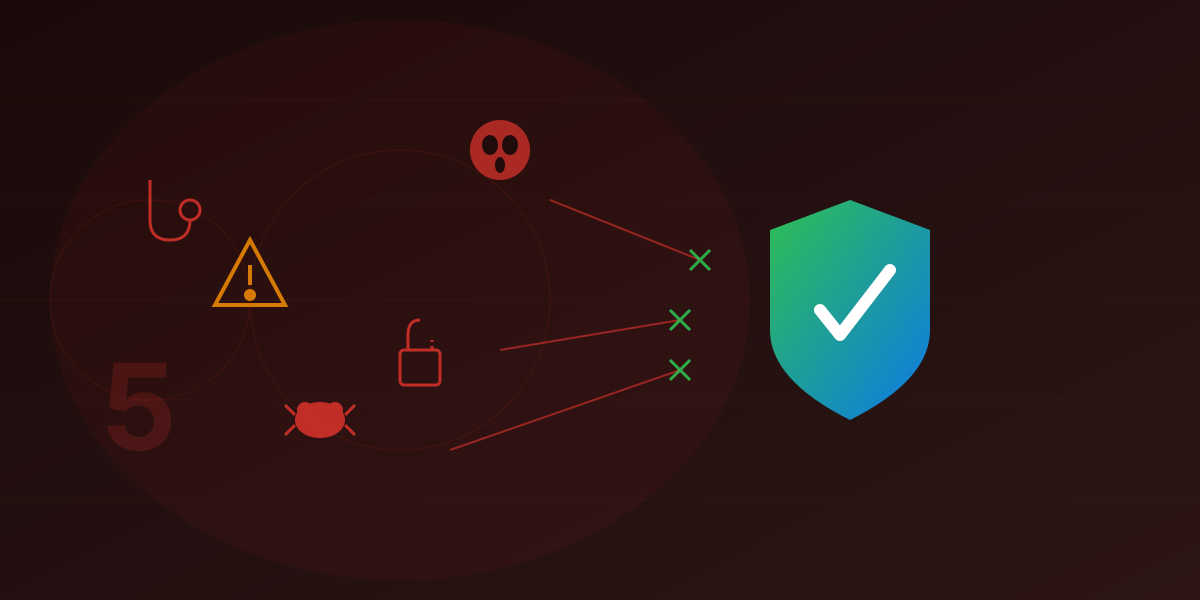
Attackers can poison DNS responses, redirecting you to fake websites that look real. This is called DNS hijacking or DNS spoofing. You might think you're logging into your bank, but you're actually on a phishing site.
The Protection
DNS filtering services like ClearDNS maintain lists of known malicious domains. When your device tries to connect to a phishing site, malware server, or other dangerous destination, we block the request before it happens. The connection never completes.
DNS-Level Protection Works Everywhere
Unlike browser extensions that only work in your browser, DNS protection works for your entire device. It blocks threats in apps, smart TVs, gaming consoles, IoT devices - anything connected to your network.
The Evolution of DNS
DNS was created in 1983, when the internet was a small network of researchers who trusted each other. Security and privacy weren't considerations. Over 40 years later, we're still using the same basic protocol - but with important upgrades:
- DNSSEC: Cryptographic signatures that verify DNS responses haven't been tampered with
- DNS over HTTPS (DoH): Encrypts DNS queries so they can't be intercepted
- DNS over TLS (DoT): Another encryption method for DNS traffic
- QNAME Minimization: Reduces the information shared during DNS lookups
ClearDNS implements all of these modern standards to keep your browsing private and secure.
Choosing Your DNS Provider
You have a choice in who handles your DNS queries. Your options include:
- Your ISP (default): Often slow, no privacy, no filtering
- Public resolvers (Google, Cloudflare): Fast, but often collect data for advertising
- Filtering DNS (ClearDNS): Fast, private, with built-in protection and customizable filtering
ClearDNS is built on the principle that your DNS resolver shouldn't require your personal information. We don't need your email, we don't create accounts that track you, and we don't log which queries came from which users.
Getting Started
Switching your DNS is simple and reversible. With ClearDNS:
- Visit my.cleardns.io
- Scan the QR code with your device, or follow the manual setup guide
- Choose which categories you want to block (ads, malware, adult content, etc.)
- Enjoy faster, safer, more private browsing
The internet's phonebook doesn't have to be complicated - or compromise your privacy.
Ready for Smarter DNS?
ClearDNS gives you speed, privacy, and protection - all without an account.
Try ClearDNS Free